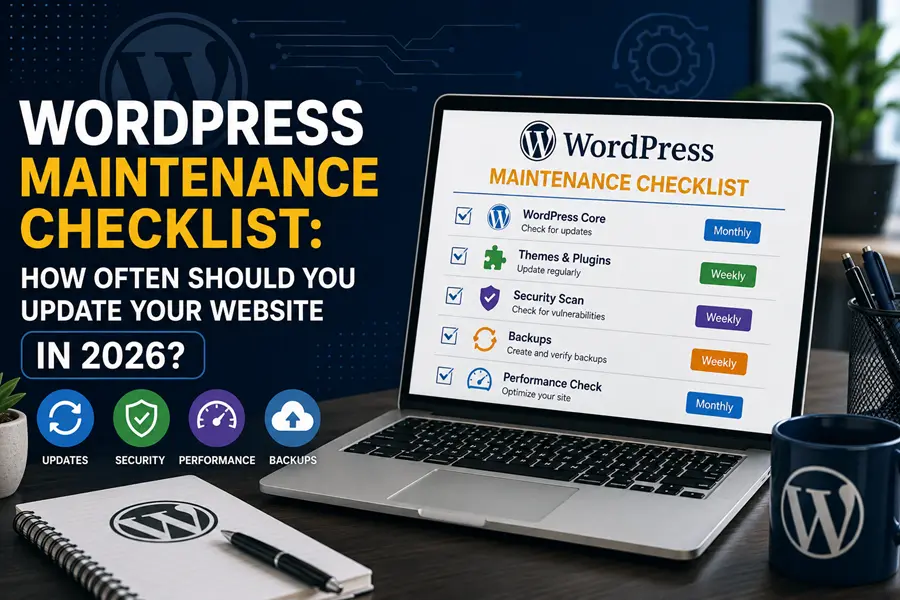
Update WordPress core, themes, and plugins weekly, back up your site daily, and run a full security and performance check monthly. Skip any of that for more than a few weeks and small issues start turning into real ones — a hacked site, a broken checkout, or rankings that quietly slide. Here’s exactly WordPress Maintenance Checklist, what to do and when.
Why This Actually Matters
Outdated plugins are the single biggest reason WordPress sites get hacked. Most attacks aren’t targeted — bots scan the web constantly for sites running old plugin versions, old PHP, or default login URLs, and WordPress runs a large enough share of the internet to always be a target. The fix is usually just running an update that’s been sitting there for weeks. Maintenance isn’t about being technical. It’s about not getting caught off guard.
Weekly Tasks (Do These Every Week, No Exceptions)
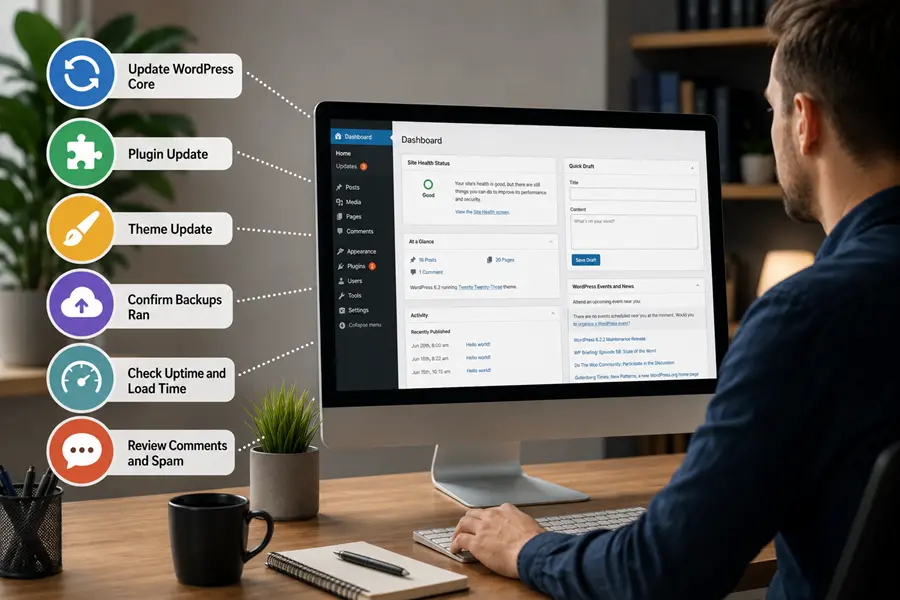
- Update WordPress core, themes, and plugins. Not every two weeks — every week. Security releases should go out within a day or two of landing.
- Confirm your backups actually ran. An automated backup that silently failed for a month is worse than no backup, because you think you’re covered.
- Check uptime and load time. A site that’s been down for six hours without anyone noticing is a lost-business problem, not just a technical one.
- Test your contact form and checkout. Five minutes. This is the difference between catching a broken form yourself and finding out from a customer complaint.
- Moderate comments and check for spam. Spam comments left unchecked can quietly hurt page quality signals.
Monthly Tasks
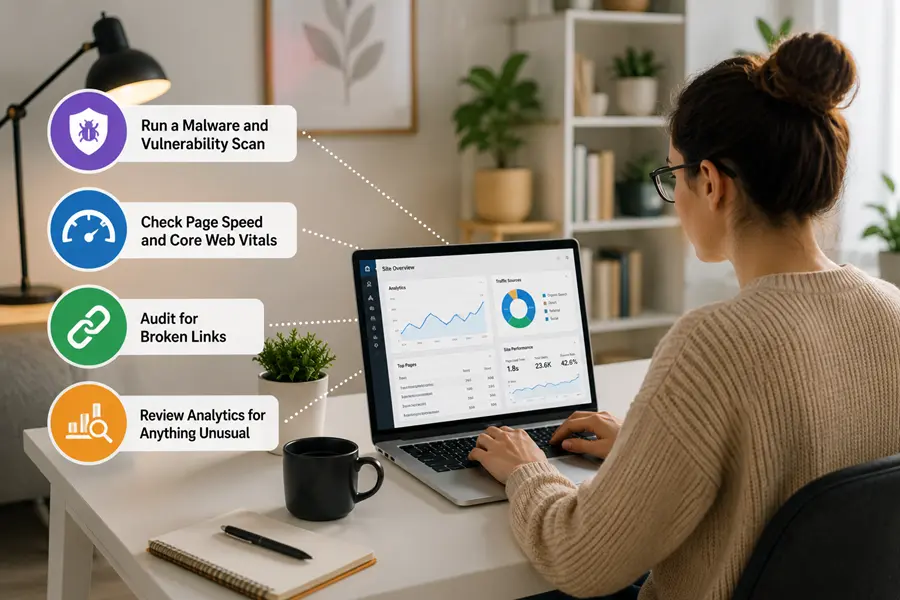
- Run a malware and vulnerability scan. Even with weekly updates, a monthly deeper scan catches what routine updates miss.
- Check page speed and Core Web Vitals. Speed degrades slowly — a bloated database, an unoptimized image, a stale cache setting — and most site owners don’t notice until traffic starts dropping.
- Audit for broken links. Broken internal and external links hurt both user experience and how search engines evaluate the page.
- Review analytics for anything unusual. A sudden traffic drop is often the first sign of a technical or indexing problem, not a content problem.
Quarterly Tasks
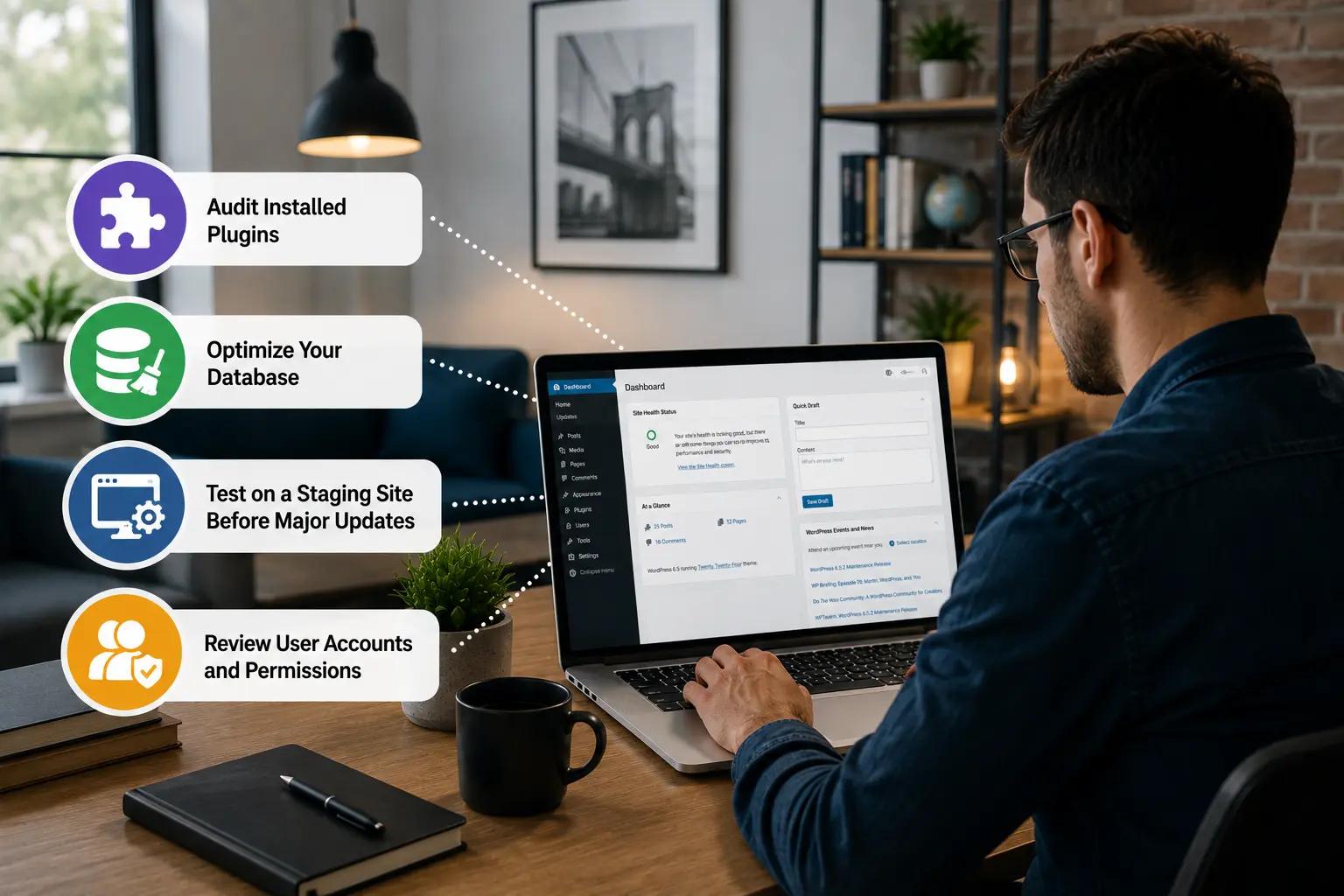
- Audit installed plugins. Remove anything you’re not actively using — every inactive plugin is still a potential entry point.
- Optimize your database. Old revisions, spam comments, and transient data build up and slow down every query on the site.
- Test on a staging site before major updates. Major WordPress or theme version jumps are the most common cause of a site breaking after an update — test first, update production second.
- Review user accounts and permissions. Remove old admin accounts, especially from past employees or contractors.
Annual Tasks
- Run a full SEO and content audit. Pages that dropped in rankings often just need a refresh, not a rewrite — check whether your target keywords still match what people are actually searching for. Our breakdown on how much a WordPress website actually costs covers what an SEO refresh typically adds to a maintenance budget.
- Review your hosting and backup strategy. Confirm backups are stored off-site, not just on the same server as the site itself.
- Update copyright dates and outdated screenshots or stats. A small detail, but it affects both trust and click-through rate from search results.
DIY Maintenance vs. Hiring It Out
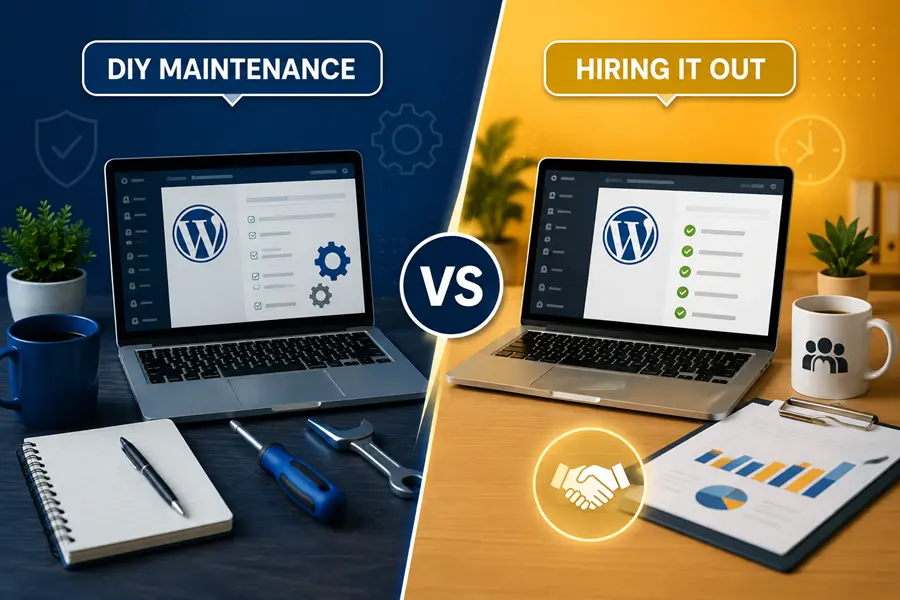
Doing it yourself works fine for a small, low-traffic site if you actually have the time and the discipline to stick to a schedule. Most site owners don’t — not because they’re careless, but because there’s no calendar reminder for “update your plugins,” and it’s easy to let three weeks turn into three months.
Once your site brings in real traffic, sells anything, or the cost of downtime is more than an inconvenience, hiring it out usually pays for itself. A managed maintenance plan means someone is actually checking these boxes every week instead of hoping nothing breaks. If you’d rather hand this off entirely, our WordPress Maintenance & Support service covers every task on this checklist — updates, backups, security monitoring, and performance checks — on a set schedule, so it’s handled before it becomes a problem.
If your site hasn’t been maintained in a while and is already showing signs of it — slow load times, an outdated look, or content that no longer matches your business — a checklist alone won’t fix that. In that case, a WordPress website redesign is usually the faster path back to a healthy site, with maintenance picking up from there.
WordPress Maintenance Questions, Answered
How often should I update WordPress plugins and themes?
Check for updates weekly and apply them promptly. Security updates specifically should be applied within a day or two of release, since that’s the window attackers actively target.
How often should I back up my WordPress site?
Daily backups are standard for most active business sites, stored off-site rather than on the same server as your host. If your site changes constantly — an ecommerce store, for example — even more frequent backups are worth the extra storage cost.
What happens if I don’t maintain my WordPress site?
Outdated plugins become the easiest entry point for hackers, page speed degrades gradually until visitors start leaving, and small bugs — a broken form, a checkout error — go unnoticed until a customer reports them. None of it happens overnight, which is exactly why it’s easy to ignore until it’s a real problem.
Is DIY WordPress maintenance enough, or should I hire someone?
DIY works for small, low-traffic sites where you have the time and consistency to follow a schedule. For business sites where downtime or a hack has a real cost, a managed maintenance plan is usually worth it, since it guarantees the checklist actually gets done every week instead of when someone remembers.
How much does WordPress maintenance cost?
Managed WordPress maintenance plans typically run anywhere from $50 to $500+ a month depending on site complexity and how much is included. Our WordPress website cost breakdown covers where maintenance fits into your overall budget.
Keep Your Site Handled, Not Hoped For
A checklist only works if someone actually follows it every week. If you’d rather hand that off, contact WebCore Technologies and we’ll show you exactly what a managed WordPress maintenance plan would cover for your specific site.